Gabriel Tavernini1*,
Elisabetta Fedele1*,
Tiago Novello2,3,
Leonidas Guibas2,
Marc Pollefeys1,
Francis Engelmann4
1ETH Zurich,
2Stanford University,
3IMPA
4USI Lugano
Code | Paper | Project Page

SuperFlex expands the expressive power and applicability of superquadric decompositions by utilizing tapering and bending.
Clone the repository and set up the environment:
git clone git@github.com:GabrielTavernini/superflex.git
cd superflex

# Create and activate virtual environment
python3 -m venv .venv
source .venv/bin/activate

# Install dependencies
pip install -r requirements.txt
pip install -e .

# Build sampler (required for training only)
python setup_sampler.py build_ext --inplace
Download the checkpoints:
bash scripts/download_checkpoints.shAlternatively, you can download the individual folders using the links below.
| Dataset | Deformations | Robust | Supervised | Link |
|---|---|---|---|---|
| ShapeNet | ❌ | ❌ | ❌ | base |
| ShapeNet | ✅ | ❌ | ❌ | superflex |
| ShapeNet + ASE | ✅ | ✅ | ❌ | robust unsup. |
| ShapeNet + ASE | ✅ | ✅ | ✅ | robust |
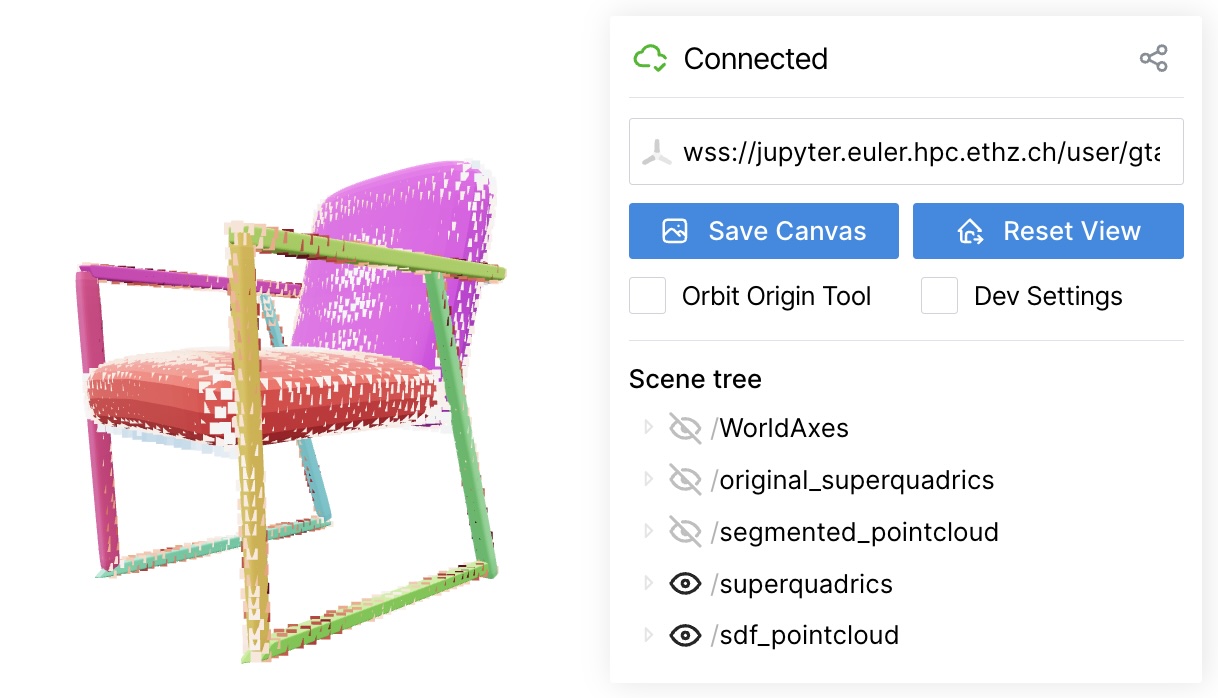
Once downloaded the checkpoints you can run an inference example by doing:
python demo_viser.py
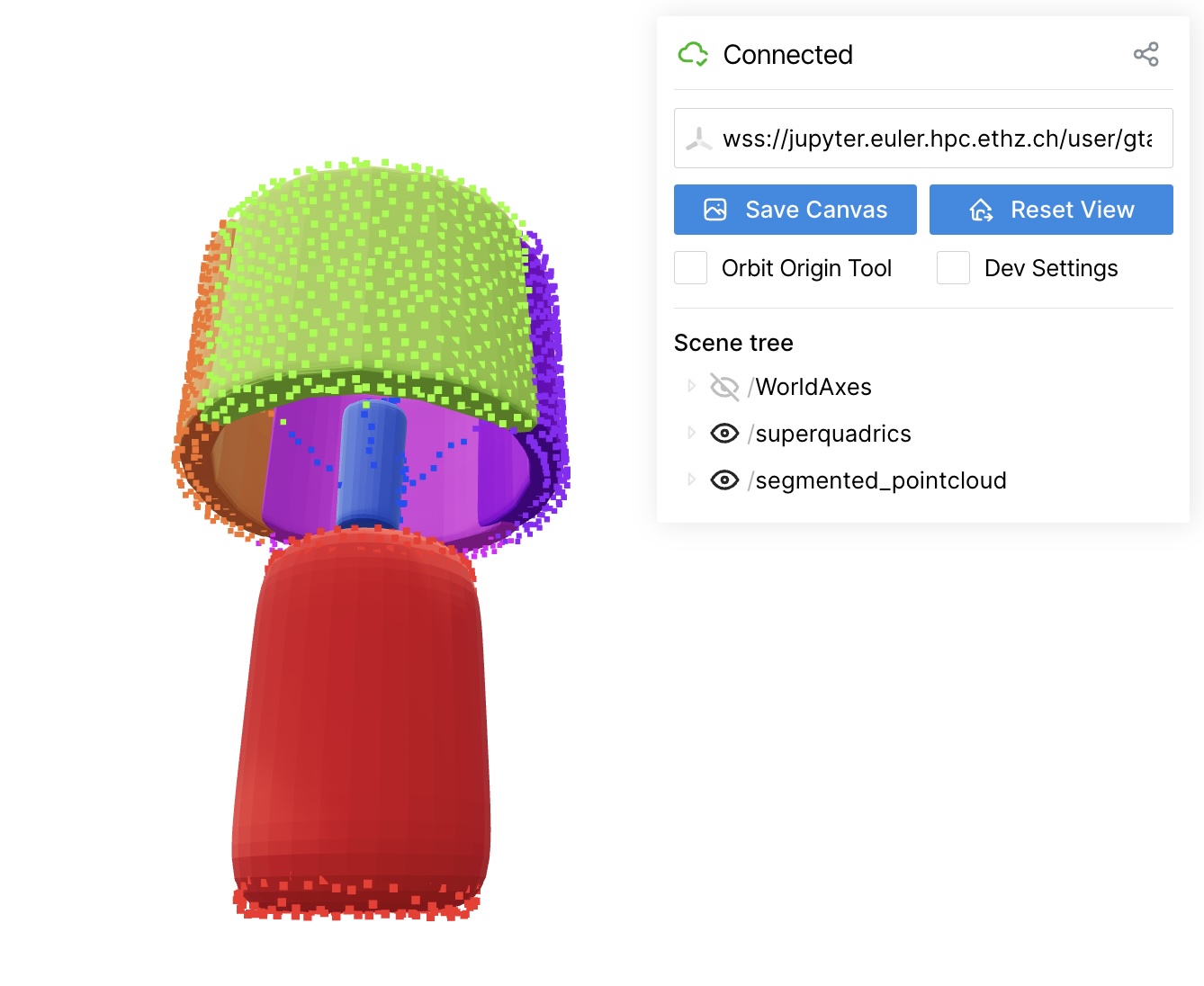
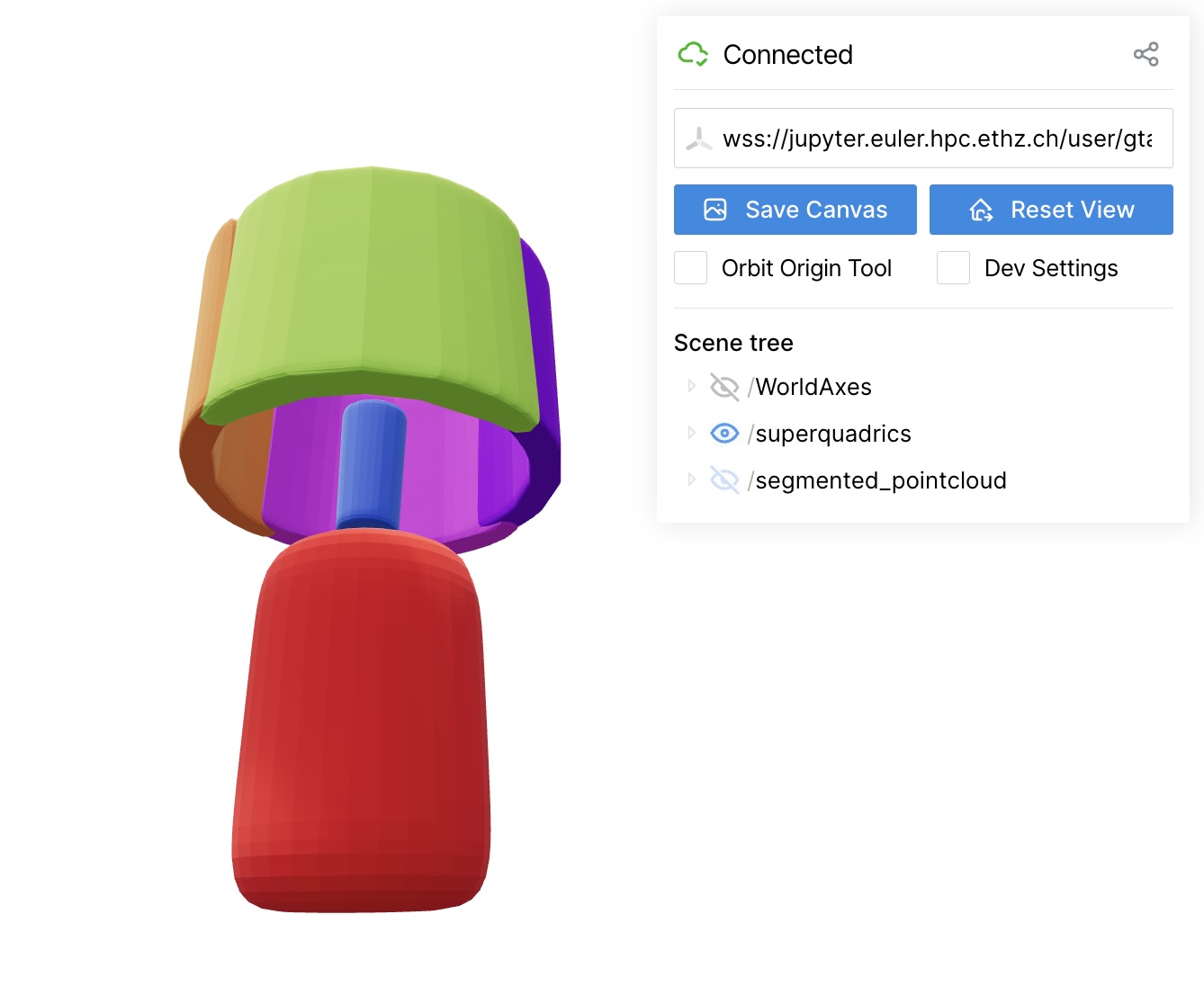
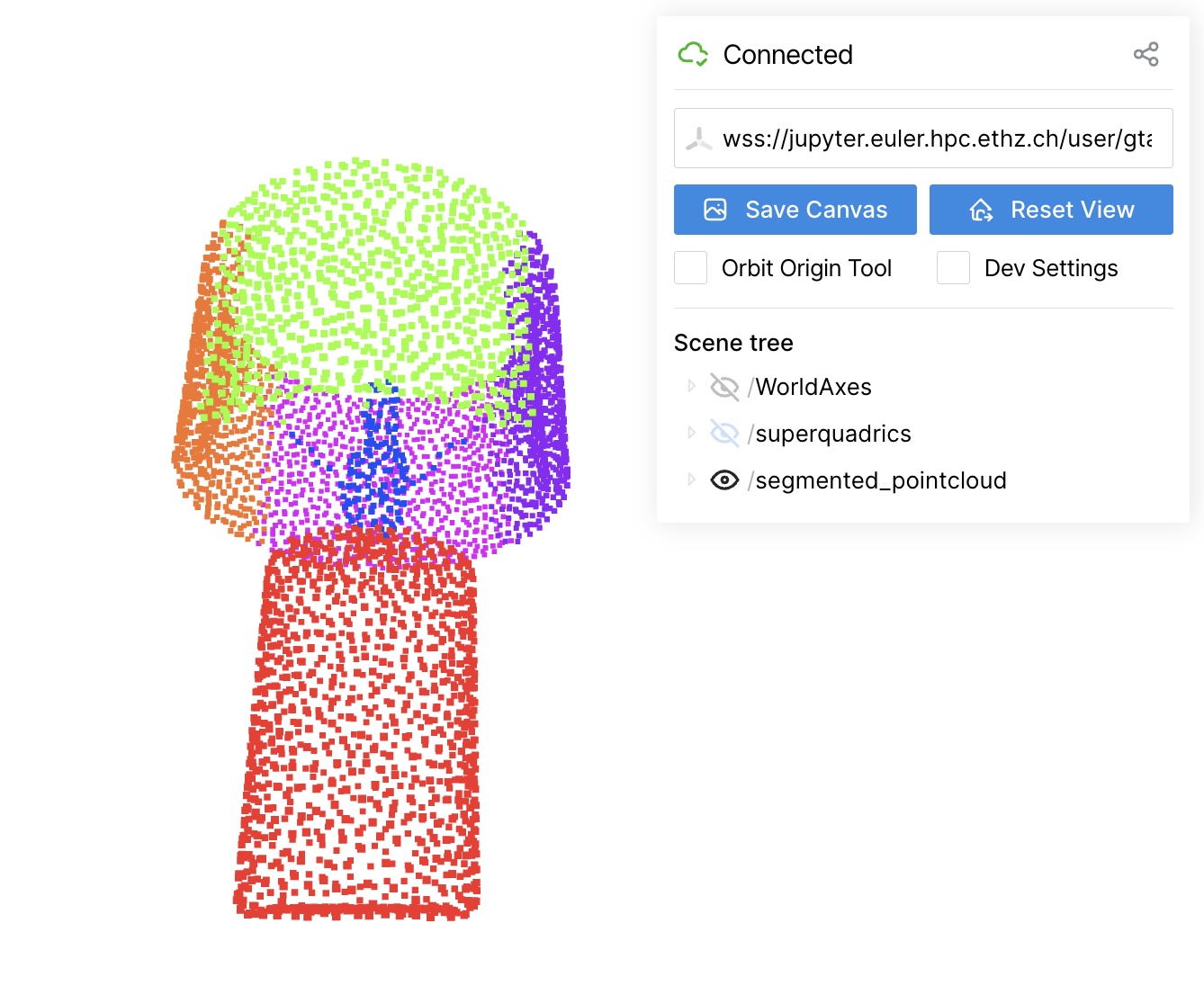
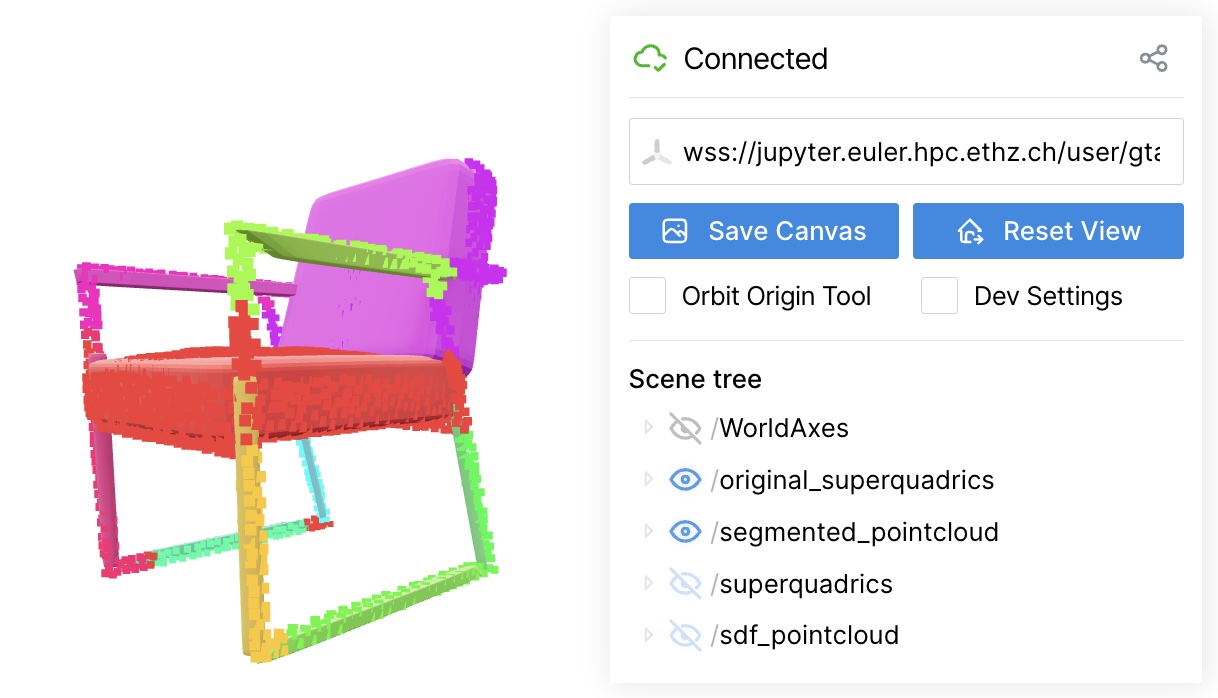
You can run an optimization example by doing:
python demo_optimization.py
Download the ShapeNet dataset (73.4 GB):
bash scripts/download_shapenet.shThe dataset will be saved to data/ShapeNet/. After having downloaded ShapeNet and the checkpoints, the following project structure is expected:
superflex/
├── checkpoints/          # Checkpoints storage
│   ├── unsup_robust/     # Checkpoint and config for unsup_robust
│   ├── robust/           # Checkpoint and config for robust
│   └── superflex/        # Checkpoint and config for superflex
├── data/                 # Dataset storage
│   └── ShapeNet/         # ShapeNet dataset
├── examples/             # Inference example
│   └── chair.glb         # ABO chair mesh
│   └── lamp.ply          # ShapeNet lamp pointcloud
├── scripts/              # Utility scripts
├── superflex/            # Main package
├── train/                # Training scripts
└── requirements.txt      # Dependencies
Generate and visualize results on ShapeNet test set:
bash scripts/run_on_shapenet.sh Note: Saving the .npz file and mesh generation may take time depending on the size of the dataset and of the chosen resolution for the superquadrics, respectively.
Optimize and visualize results on ShapeNet test set:
bash scripts/run_optimization.sh If you want to retrain the network yourself you can either opt for single or multi-gpu training as follows.
Single GPU training:
python train/train.pyMulti-GPU training (4 GPUs):
torchrun --nproc_per_node=4 train/train.pyNote: Weights & Biases is disabled by default but you can activate it in the training config.
We assume you have the .ply files of all the segmented objects in a single folder OBJECTS_SCENE_DIR. Fill required fields in the script, following the given instructions. Now you are ready to run inference by doing:
bash scripts/run_on_scene.sh We adapted some codes from some awesome repositories including superquadric_parsing, CuboidAbstractionViaSeg, volumentations, LION, occupancy_networks, and convolutional_occupancy_networks. Thanks for making codes and data public available.
We welcome contributions! Please feel free to submit issues, feature requests, or pull requests. For more specific questions or collaborations, please contact Gabriel and Elisabetta.